01

Upload your file

Upload any standard engineering file format. Handles complex multi-part assemblies.

Supports major CAD formats
02

AI analysis

Identifies components, understands geometry and tolerances, builds a complete representation.

Proprietary method
03

Code & answers

Robot programs or precise Q&A about your design file through a chat interface.

RAPID · KRL · Python · ROS2
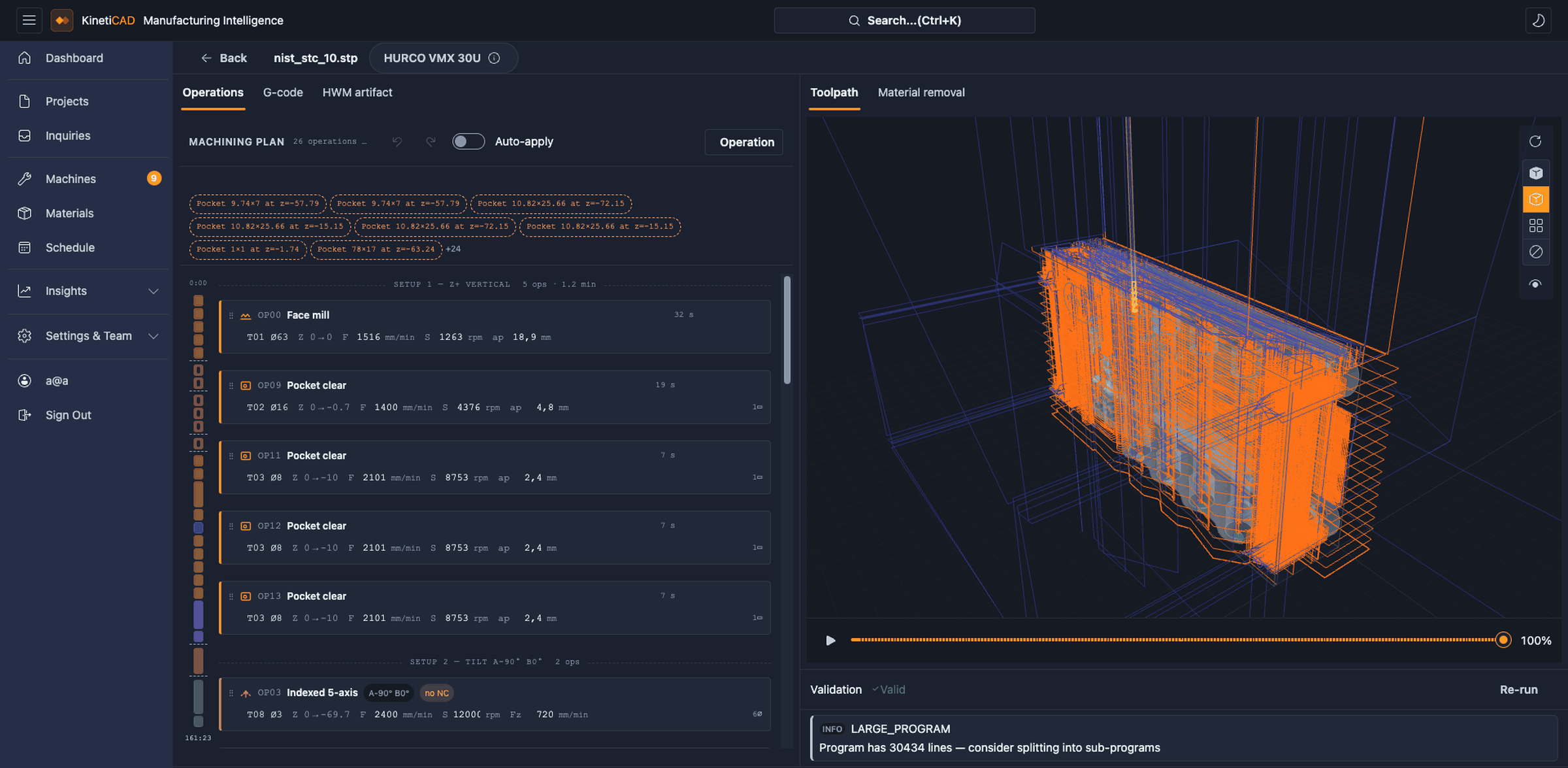
KinetiCAD Job Creator - step 2 and 3 in action
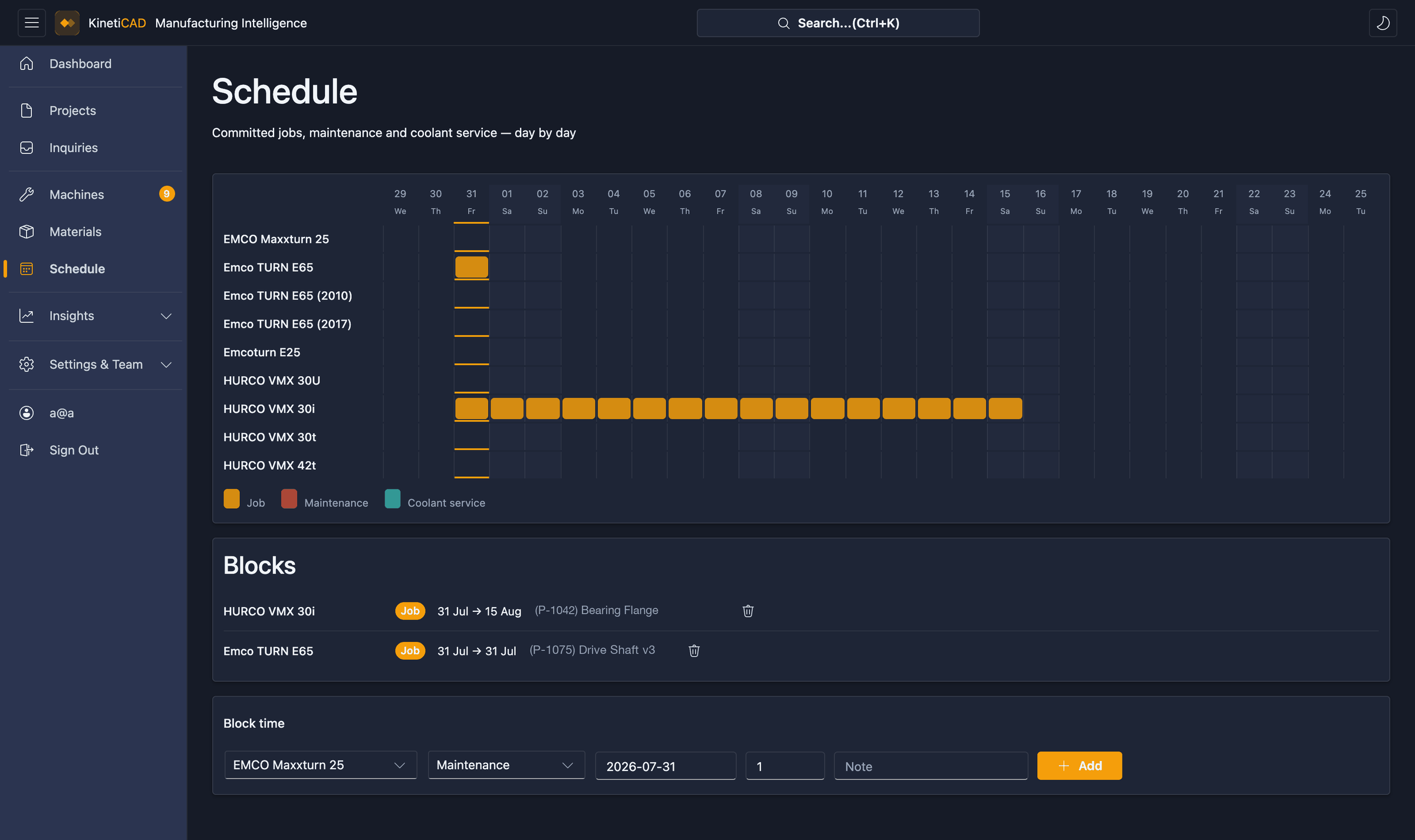
KinetiCAD Analytics
UNDER THE HOOD

WHAT THE
AI DOES

STEP 01

File ingestion

The file is parsed to extract raw geometric data: vertices, faces, edges, holes, surfaces and the metadata embedded in the format (material info, tolerances, assembly constraints).

STEP 02a

Viewpoint rendering

The system determines the optimal 2D render angles to capture all relevant surfaces and features; using novelty and confidence metrics to ensure nothing is missed.

STEP 02b

Segmentation & recognition

Each component in the assembly is isolated and labeled using open-vocabulary recognition; identifying bolt types, hole variants, surface types, tolerances and assembly relationships between parts.

STEP 03

Code or answer generation

The structured analysis is passed to a language model with full context. The model generates syntactically correct robot code or precise natural-language answers grounded in the actual file data.

Ready to stop programming robots by hand?

Join our pilot program and be among the first to automate your workflow.

Book a Demo →